Your Pill Bottle Just Got Smarter
Okay, let's be real. Remembering meds is the worst. It’s not just the once-a-day pills. It’s the “take with food,” the “only on Tuesdays,” the “avoid grapefruit” drug. It’s exhausting. That’s where your Alexa or Google Assistant can actually do something useful for a change. You can now set up medication reminders that actually talk to you. “Hey Google, remind me to take my blood pressure meds every morning at 8 AM.” Done. It’s smarter than a label because you can add voice notes: “This one makes you dizzy, take it before bed.” It turns a chore into a conversation with a backup brain. The tech isn't just high-tech; it's a low-stress way to stay on top of your health. Honestly, it makes the old sticky-note-on-the-fridge look a bit tragic.
Getting Health Info Without Getting Off the Couch
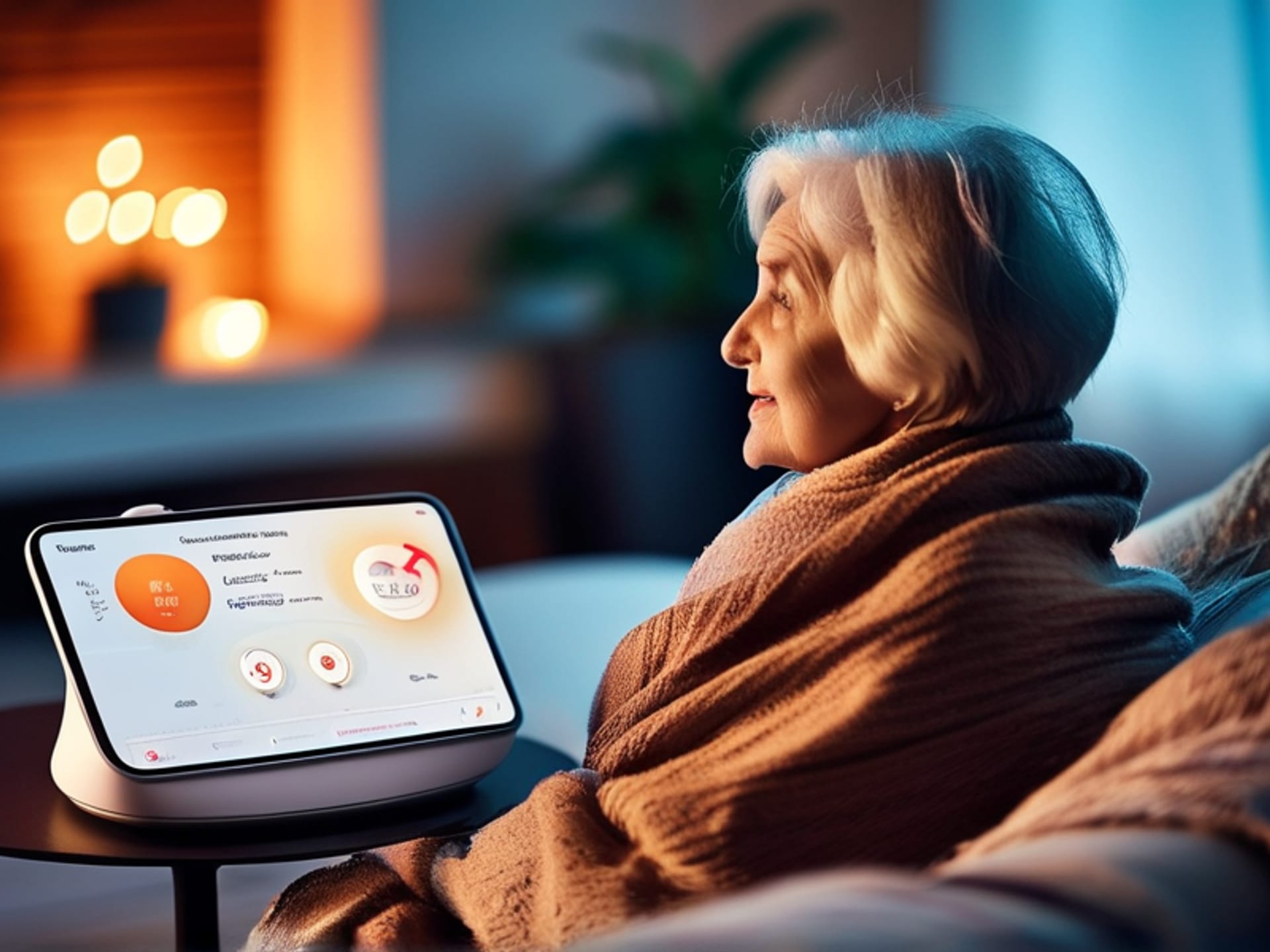
It’s 2 AM. You’re battling a headache and wondering if you can take that ibuprofen with your other prescriptions. The last thing you want to do is squint at your phone’s blinding screen. This is where voice-activated info shines. Services like Google Health are starting to let users ask simple, crucial questions out loud. Combined with skills or actions on Alexa and Google Home, you can get pre-vetted readings on symptoms, drug interactions, or post-care instructions. You just ask. No typing, no fumbling. It’s information on demand, hands-free. The key here is *pre-vetted*. It’s pulling from legit sources, not the third page of a WebMD rabbit hole. Think of it as asking a well-read friend, not frantically Googling at 2 AM.
"Alexa, What's a Normal Heart Rate?" and Other Burning Qs
This is where it gets cool. Beyond reminders and readings, these devices are becoming a first line of simple Q&A. Basic health queries don’t need a doctor's appointment. "Alexa, what are the symptoms of a UTI?" "Hey Google, how many steps should I aim for today?" "Alexa, find a guided meditation for anxiety." It’s instant, no-judgment access to wellness info. The best health assistant skills are designed to be conversational, not clinical. They can walk you through stretches, suggest bedtime routines based on sleep science, or explain medical terms in plain English. It demystifies your own body. You're not diagnosing anything. You're just informed enough to know when to chill out and when to maybe call a professional.
The Privacy Question (Because It Matters)
Here’s the thing. We’re talking about our health data. It’s personal. The obvious question is, "Who's listening?" and it's a damn good one. The smart approach isn't to whisper your social security number to your speaker. It's about using built-in privacy controls. Both major platforms let you review and delete your voice history. You can turn off microphone access. You get to decide what's connected—don’t link super-sensitive health apps unless you trust the integration. Use the tech for what it's good at: reminders, general info, and guided actions. If it feels too personal for a speaker, it probably is. Be smart. The power here is as much in your control settings as it is in your voice commands.