Forget the “Designer” Thing. Just Be You.

Let's be real. "Graphic design" sounds fancy. Intimidating, even. It makes you think of people in black turtlenecks and complicated programs that cost a month's rent. But social media today? It’s visual. Fast. You need to post stuff that doesn't look like it was made in a panic with MS Paint. Here's the good news: Canva is the cheat code. It exists so you *don't* have to be a designer. It's like having a helpful friend who whispers, "Try this color. Move that over. Boom, done."
Getting Started: Less Sign-Up, More Action
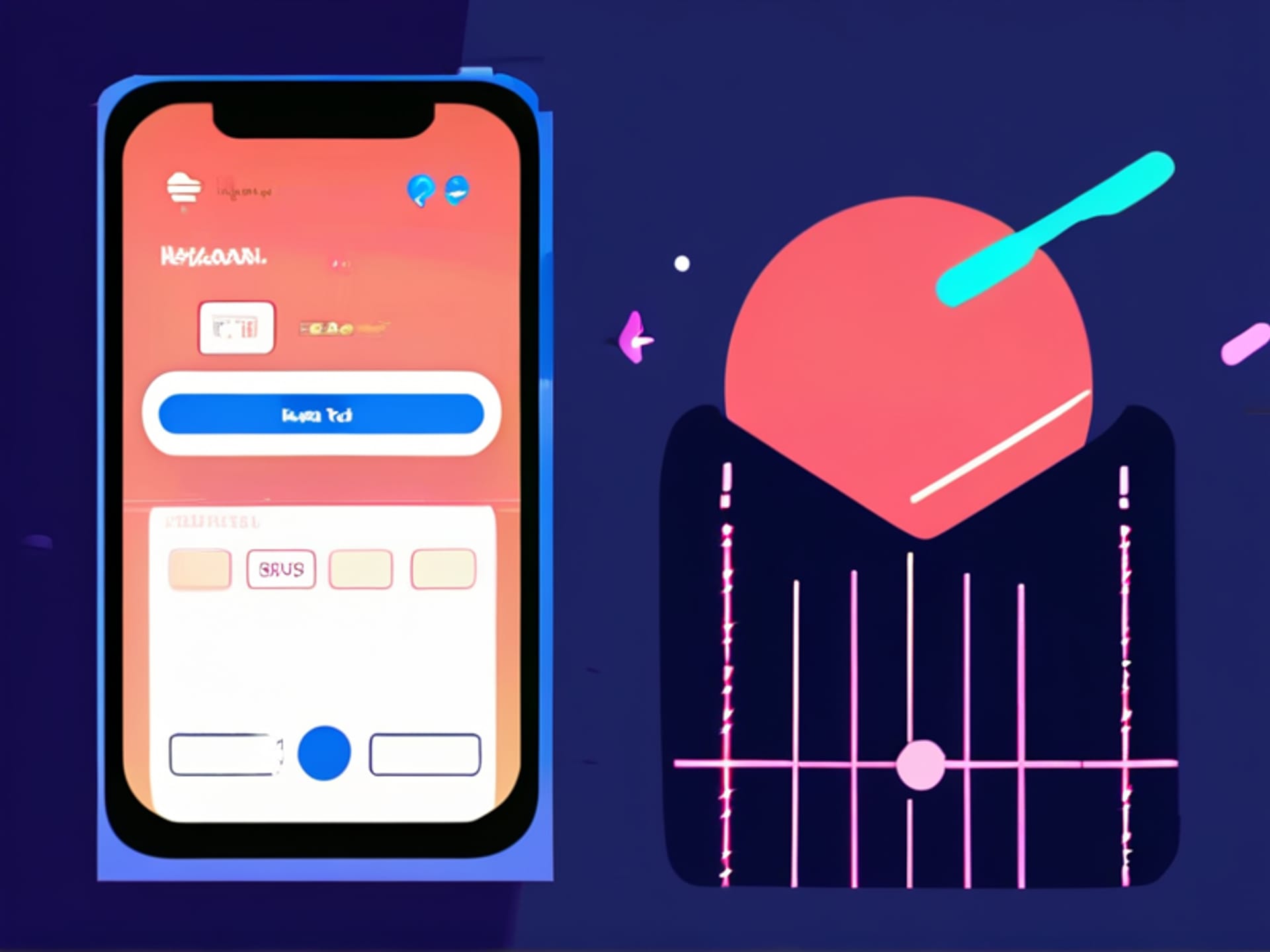
Don't spend 40 minutes agonizing over your profile picture or bio. Honestly, just go to Canva.com and use your Google account. Or your email. It takes 20 seconds. Before you know it, you're staring at a dashboard. It might feel a bit like walking into a massive craft store. But ignore 90% of it for now. See that big purple "Create a design" button? Click it.
Templates: Your Secret Weapon (Embrace Theft)
This is where the magic happens. Type "Instagram post" into the search bar. A gazillion templates appear. Professional ones. Goofy ones. Elegant ones. Your job is not to start from a terrifying blank page. Your job is to be a tasteful thief. Find one that speaks to you. Click it. Suddenly, you have a structure. Colors that work together. Fonts that don't fight. Change the text. Dump in your own photo. Adjust. Suddenly, you're designing. Actually, you're adapting. And that's smart.
Playing in the Toolbox: Keep it Simple, Stupid
That left-hand toolbar has a lot of stuff. You'll explore it later. For your first 10 graphics, use these three things only. One: The "Text" button to add your own headline or quote. Two: The "Elements" search bar. Type "line" or "arrow" or "burst" and drag something subtle in. Three: The color picker (that little rainbow circle). Click it on anything and change the color to match your brand. That’s it. Three moves. More than enough to make something a thousand times better than what you were doing before.
Quick Hacks for When You're in a Pinch
Need to look pro in 60 seconds? Here are my go-tos. Use "Remix Magic" on a template to let the AI shuffle the layout for you. It’s weirdly fun. Add a subtle shadow behind your text to make it pop off the background. Use the "Brand Kit" if you have colors and a logo (set it up once, save hours). And always, always download as a PNG, not a JPG. Trust me. Sharper edges. Less blurry. You’re officially dangerous now. Go post something.