Stop Wasting Everyone's Time: The Anti-Boring Project Update

Let’s be honest. Most project update meetings are a soul-crushingly predictable. You know the drill. Someone reads slides everyone could have read themselves. Eyes glaze over. The only thing getting an update is the clock. But here's the thing. A good update isn't about reporting. It's about rallying. Your peers are busy. They need the *why* and the *so what*, not just a data dump. Start with that mindset. Actually give them something they can use.
Ditch the Deck; Tell a (Very Short) Story
Forget the 20-slide PowerPoint. Seriously. Try this instead: What’s the headline? What changed since last time? What’s the single biggest challenge right now? And what do you need from *them*? Frame it as a three-act play: "We were here. We tried this. Now we're going there." It creates momentum. It's human. It makes people lean in instead of tuning out. A story sticks. A bullet-point list gets forgotten before the meeting ends.
The "No-Surprises" Rule for Bad News
Things go wrong. That’s the job. The worst thing you can do is hide it and then dump a catastrophe on everyone last minute. Your credibility tanks. When you hit a snag, flag it early. But crucially, pair every problem with an option. "The vendor is delayed. We're looking at two paths: we expedite at a cost, or we adjust the timeline for feature X." This isn't complaining. It's problem-solving *together*. It shows you're on top of it. It turns a threat into a team discussion.
Turn Listeners into Participants
You're not broadcasting to statues. You're talking to smart people with their own expertise. So ask for it. "The backend integration is getting complex. Has anyone solved something like this before?" Or, "We're choosing between these two designs. I'm leaning towards A because of X. What am I missing?" This does two things. First, you might get a brilliant solution. Second, and maybe more important, it builds buy-in. People support what they help create. Even if it's just a small piece of advice.
The One Visual That Actually Works
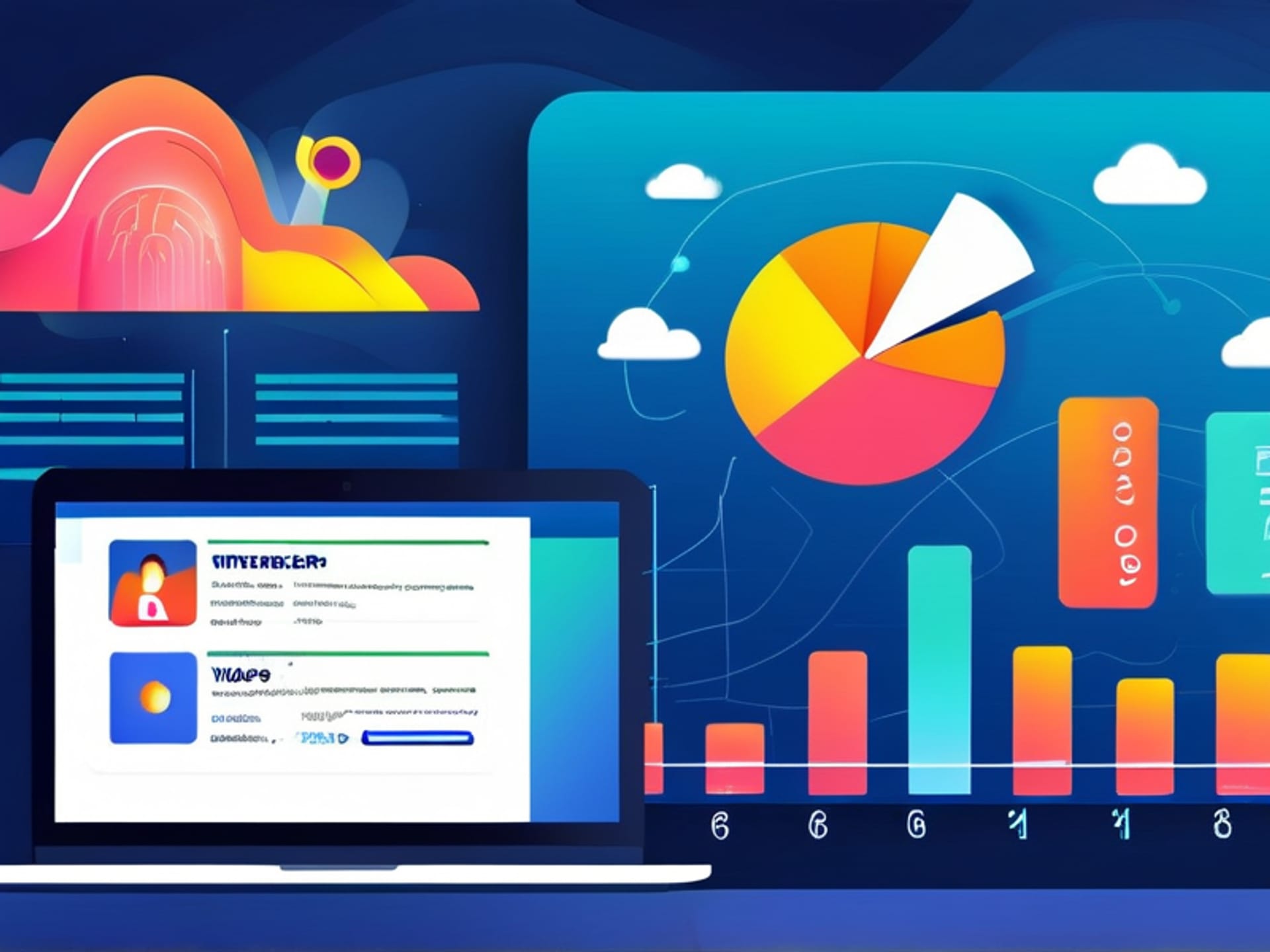
A wall of text is a wall of "I've stopped listening." Use one clear visual. Not ten. One. A timeline showing where you are and the next big milestone. A simple dashboard with red/yellow/green status. A before-and-after mockup. The goal is to anchor the conversation. Give everyone the same mental map. Let them focus on *discussing* the territory, not trying to draw the map from your vague description.
End in the Right Place (It's Not "Any Questions?")
Don't just trail off with a weak "So... yeah." And for heaven's sake, avoid the classic "Any questions?" dead zone. Control the ending. Recap the one thing you absolutely need everyone to remember. State the next concrete step. Name the person responsible. "So to be crystal clear, the next hurdle is the API handoff. Mark, you're confirming the spec by Friday. We'll all see it in the shared doc." Boom. Clear. Owned. Done. Now people can go back to work knowing what just happened and what happens next.