Stop Worrying, Start Sleeping: Smart Routines for Peace of Mind
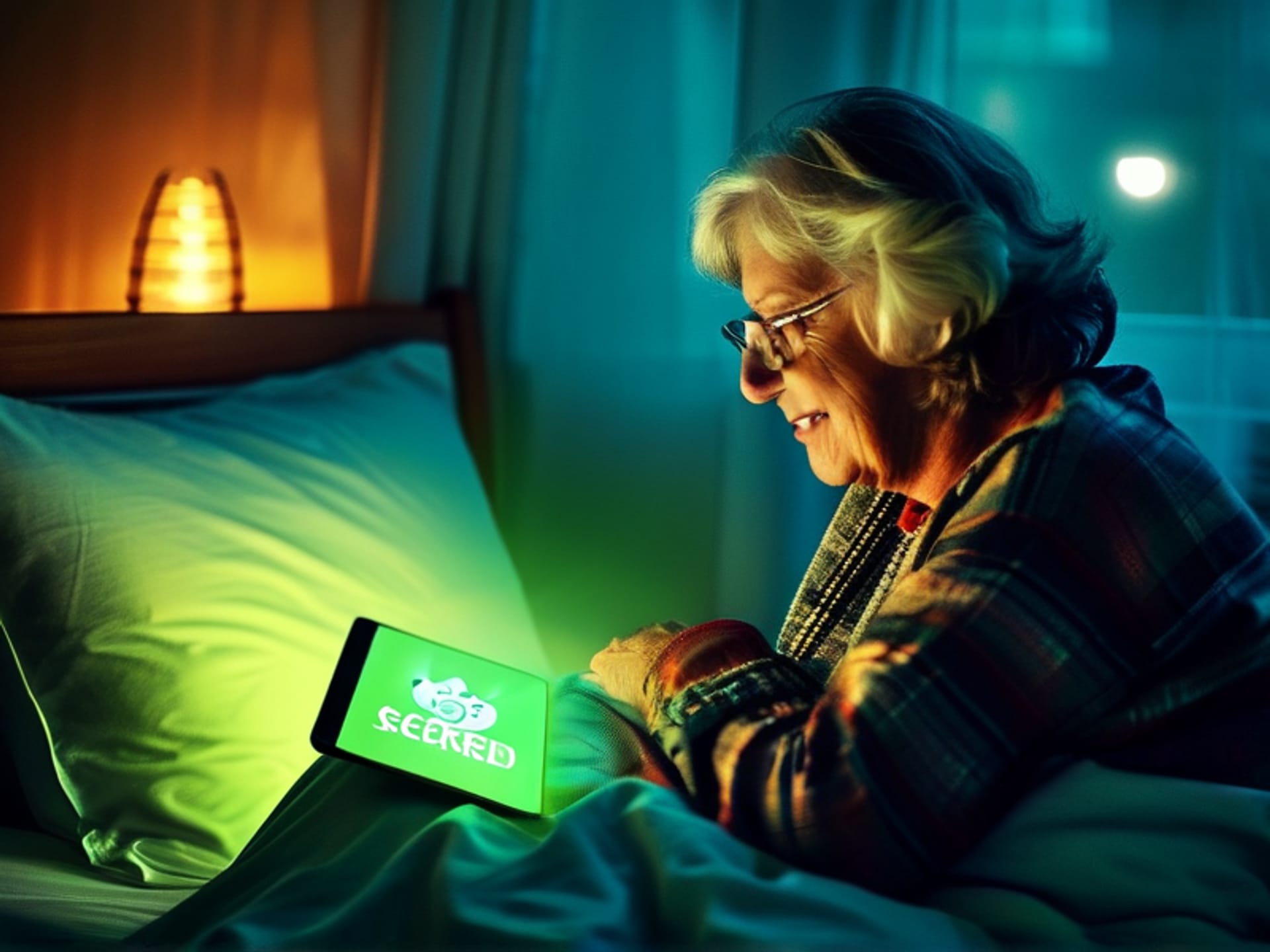
Let's be honest. That final 'did I lock the door?' thought pops into your head when you're already under the covers. You get that little pit in your stomach. For seniors, that nagging worry about safety isn't just annoying. It can steal sleep. And good sleep is everything. This isn't about turning your home into a spaceship. It's about using a few smart plugs and sensors to create a simple ritual. A digital 'tuck-in' that handles the boring, anxiety-inducing stuff for you. So you can just... rest.
The Magic Button: What "Goodnight Mode" Actually Does
Here's the thing. 'Goodnight Mode' sounds fancy, but it's gloriously simple. It's a single command—a tap, a word—that triggers a chain of events you set up once. Think of it as your personal nightwatchman. With one action, it can: lock every exterior door (yes, even the one you never use), double-check that contact sensors on windows are closed, turn off all the lights (no more 3 AM kitchen glow), maybe even turn on a small hallway nightlight. It gives everything a final, all-clear sweep. The point isn't complexity. It's thoroughness. And you don't lift a finger.
Setting It Up: Easier Than You Think (Promise)
If you just imagined a jungle of wires and a day-long IT project, stop. Actually, most of this is plug-and-play now. You buy a smart lock, a few sensors, and a hub (like an Amazon Echo or Google Nest). The initial setup is the only tricky part. My advice? Recruit a grandkid, a neighbor's teen, or your own tech-comfy friend for one afternoon. Have them do the app configuration *with* you. You make the decisions ("I want this light to come on at 7 PM"), they press the buttons. Once it's done, it's done. You're not becoming a programmer. You're just teaching your house a simple bedtime routine.
Use Your Words: Voice Commands Are a Natural Fit
This is my favorite part. Forget the app. For the ultimate in one-touch safety, use your voice. It feels completely natural. You're already saying "goodnight" to someone, maybe a pet. Just add "...Alexa, goodnight" or "...Hey Google, run bedtime routine." That's it. The house listens and obeys. It's reassuring. It feels powerful in the most effortless way possible. No fumbling for glasses to see a screen. No remembering which app icon to tap. Just you, speaking to your home like it's an old friend who has your back.
The Real Product Isn't Tech. It's Peace.
All these gadgets and routines boil down to one thing. It's not flashing LEDs or robot voices. It's the quiet sigh of relief when your head hits the pillow. It's knowing, really knowing, that the physical stuff is handled. Your mind is free to wander to better things—memories, plans, stories. That certainty is priceless. You're not just locking doors. You're locking out the worry.